Templates are pre-built workflows created by us and our community members. When you develop an innovative FinOps automation using the Wiv.ai platform, you can share it with other users in the community.
We take pride in developing this template library, as it strengthens our community and shares valuable FinOps knowledge and expertise.
Important Note
We will only share your workflow as a template with your explicit consent. Your workflow implementation in Wiv remains private unless you authorize its use as a template
Using the Templates Library
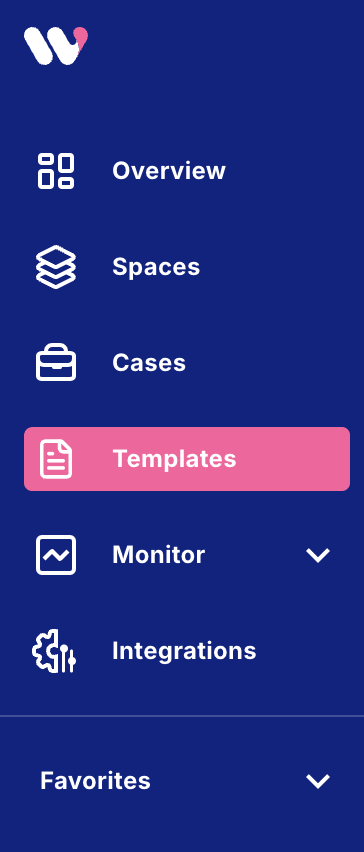
You can find the Templates page in the main navigation bar
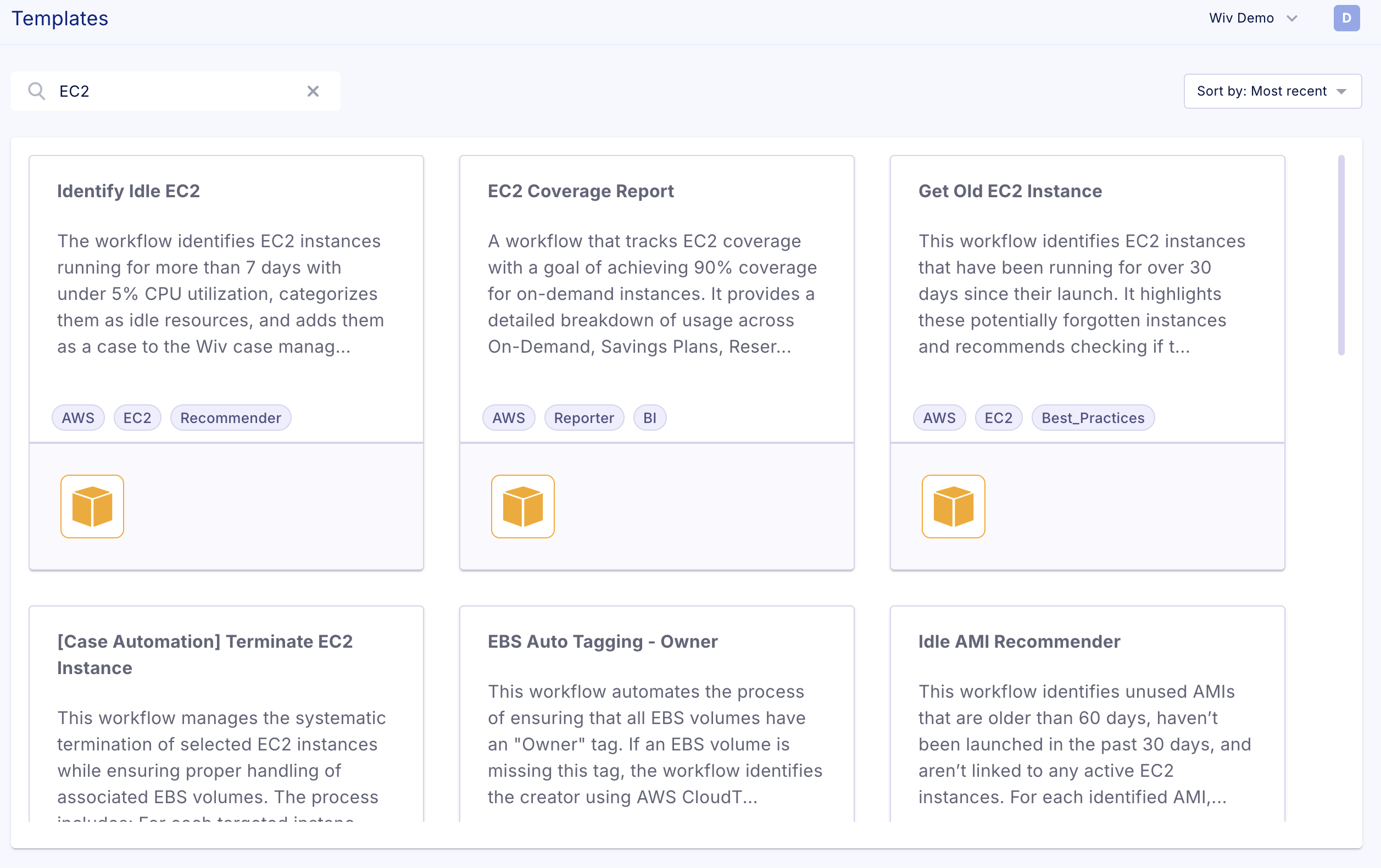
To use a template, you can search for the relevant one (for example, EC2 related)
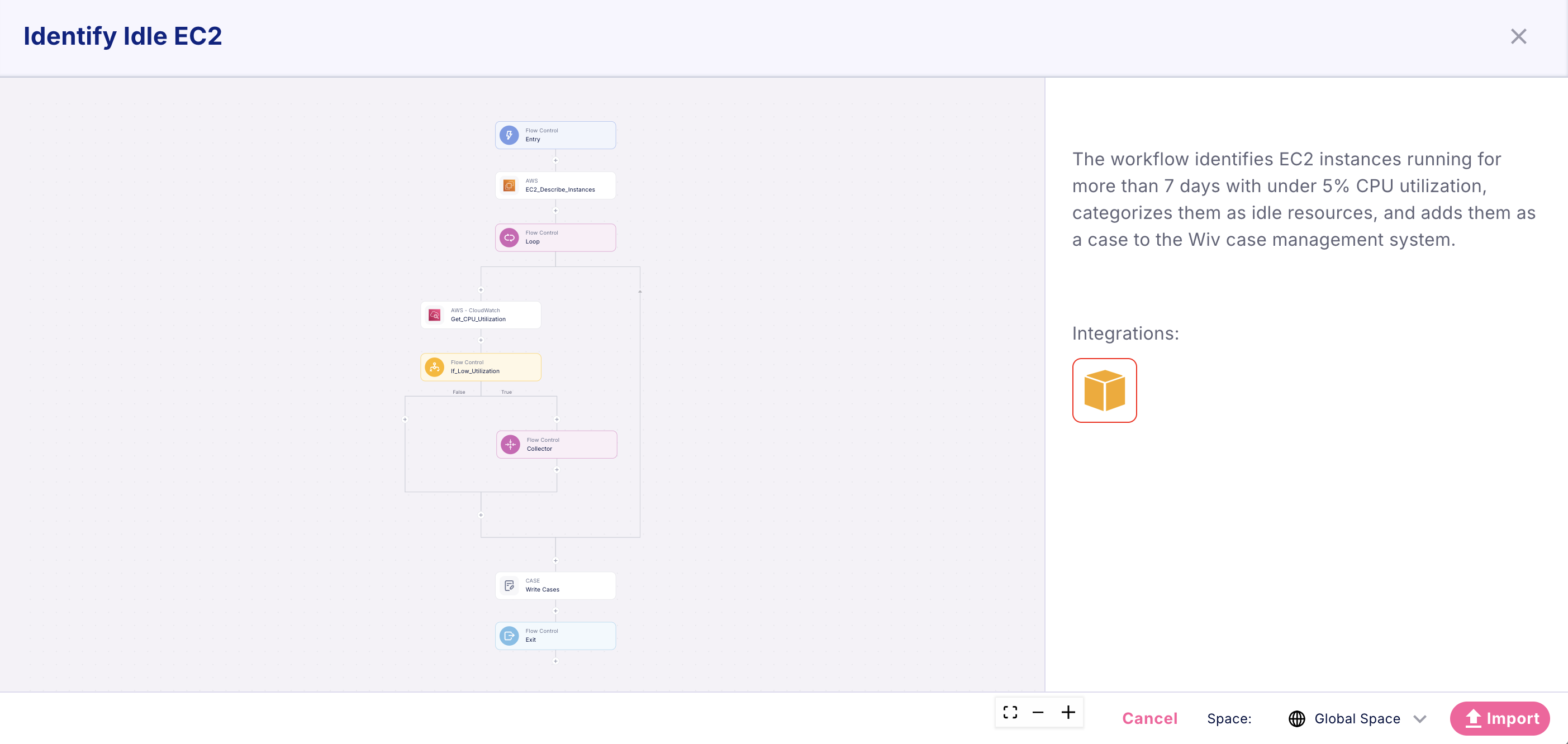
Pressing on one of the templates will show you the Workflow that you're about to import to your environment.
To Import it, just press the Import button.
Did you know?
While templates automatically import to the Global Space, you can choose a different space for import before importing the template
You can find the list of available spaces right next to the import button
Was this article helpful?
That’s Great!
Thank you for your feedback
Sorry! We couldn't be helpful
Thank you for your feedback
Feedback sent
We appreciate your effort and will try to fix the article