Step 1: Access API Keys
- Click your avatar in the top-right corner of the Wiv Platform
- Choose API Keys from the dropdown menu

Step 2: Create New API Key
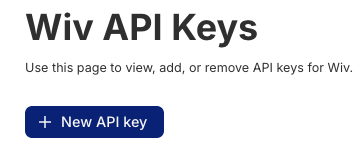
- Press the New API key button
- Pick an expiration period

- Click Create
Step 3: Secure Your API Key
- Copy the API key that appears immediately
- Store it securely - you will not be able to reveal it again
- This key will be used in the X-API-Key: <your-api-key> header for all API calls
Important Security Note: Treat your API key like a password. Store it in a secure credential management system and never commit it to version control.
Was this article helpful?
That’s Great!
Thank you for your feedback
Sorry! We couldn't be helpful
Thank you for your feedback
Feedback sent
We appreciate your effort and will try to fix the article